ASPL User Guide v 1.00
© 2025 Bassem W. Jamaleddine
The first time a set variable is vivified (and comes to exist) it is assigned the dataset of a GADg object (returned by a named GG-function). GADg stands for Group-Algebraic-Data-groups. GG-functions are global grouping functions that are managed in the GG-Container. All GG-functions start with the prefix gg followed by a word. To list the GG-functions that are managed by the GG-Container, you can type at the shell prompt
# asplcmd ggls
aspl> ggls
list all GG-functions
aspl> ggs
list all GG-functions whose grouping classes are in concordance with the namedspace grouping class
We use the term GGs to refer to the GG-functions. These functions are programmable and are located in their own directory that you can determine its location by either adding the option -verbose when starting ASPL, or by issuing the tilde command ~gg at the ASPL prompt (this will also change directory to the location of the GG-Container).
Another shortcut to print the location of the GG-Container:
# asplcmd ~gg
# ls -ltr `asplcmd ~gg`/gg*sys*
Figure 4.1.1 shows the command ggls listing the GGs, also called GG-functions, that are available in the GG-Container. The listing shows each element grouping class in upper case followed by the GGs available for that grouping class.
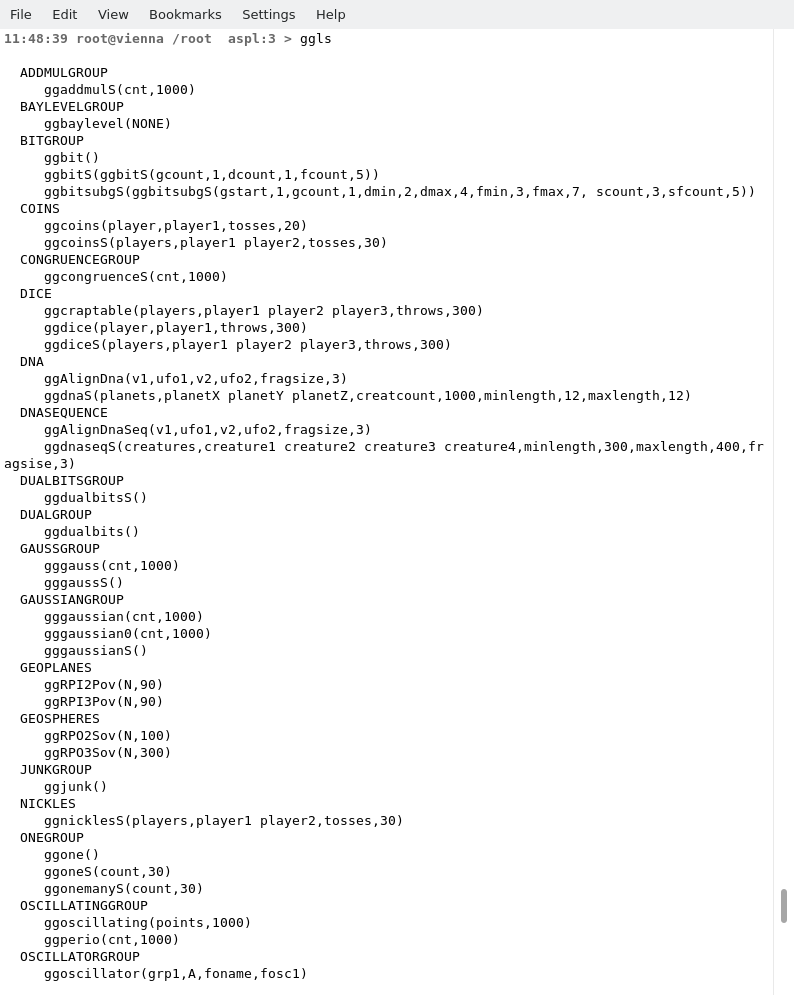
Figure 4.1.2 shows the command ggls ggzero() displaying the ggzero() grouping function.
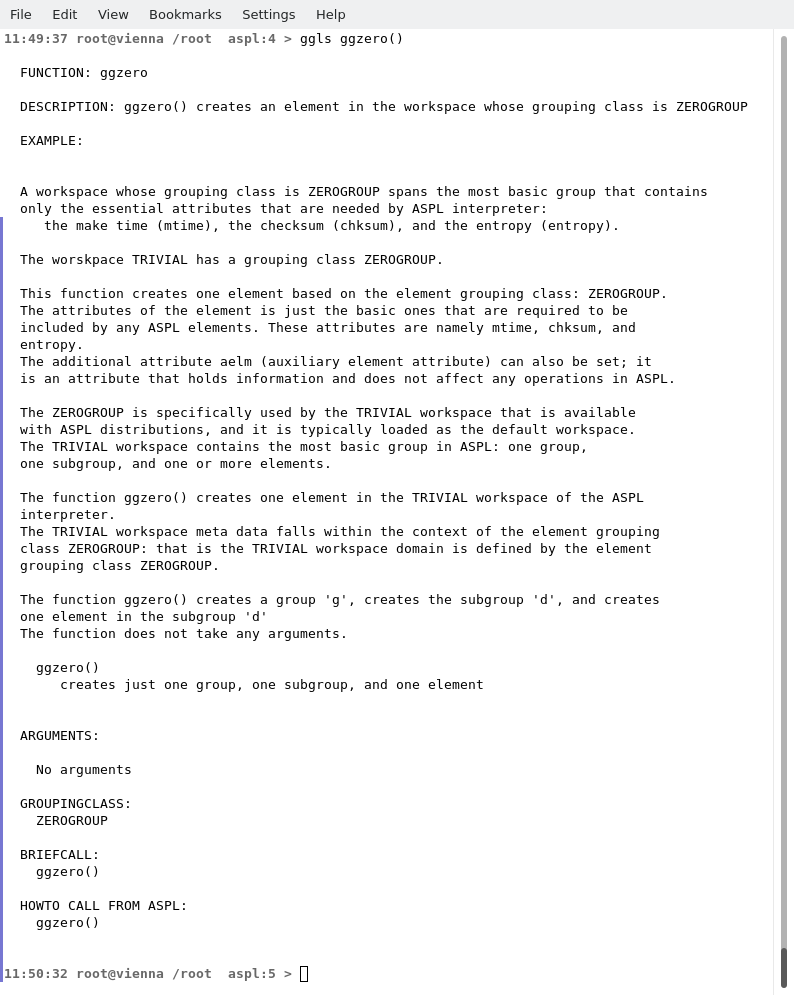
Figure 4.1.3 shows the command ~gg that changes directory to the repository of the GG-Container. The command cwd shows the current working directory.
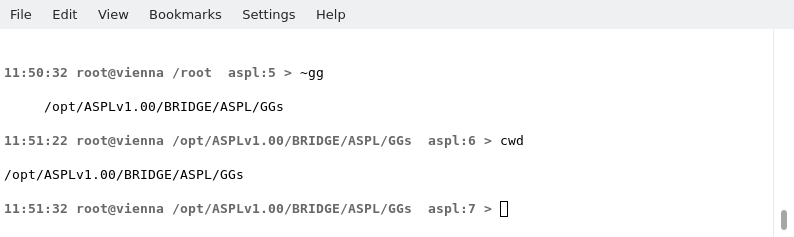
Figure 4.1.4 shows how to edit the GG-function ggzero(). You can edit the function either from within ASPL session, or from a terminal using the editor of your choice.
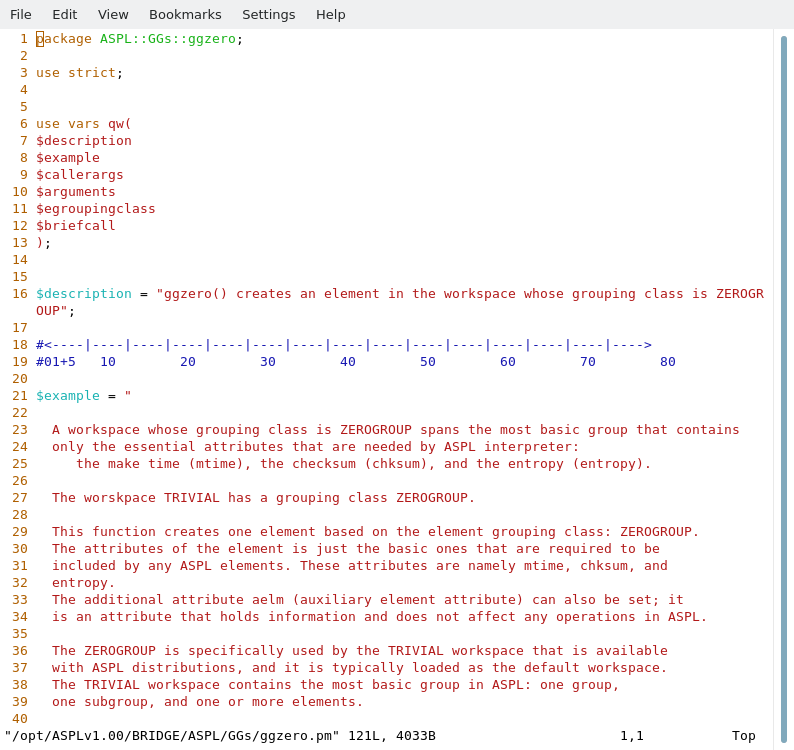
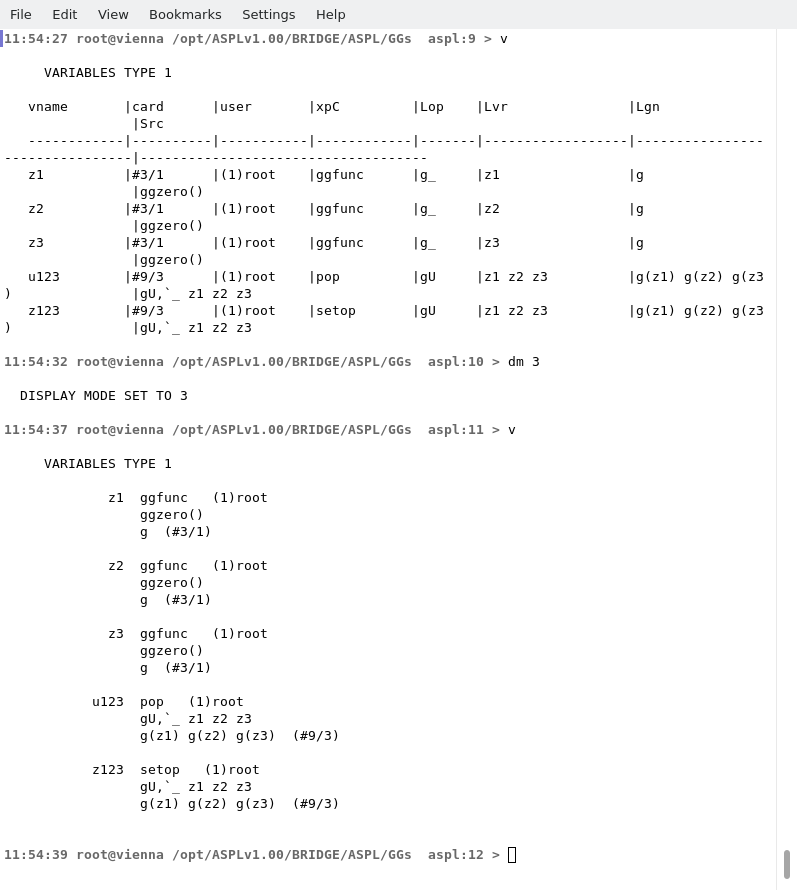
Figure 4.1.5 shows the symbol table of TRIVIAL in tabular mode. The dm 3 swicthes the display mode to 3 so one can display the symbol table in canonical mode.